
Getting started: from an empty store to the first order
The Targovio admin has its own “Store setup” list with nine checks. Here is what each one means and how to complete it.
Name and contacts
In Settings, set the name, a short description, and the e-mail and phone for customers. They appear in the storefront and in notifications.
A product to sell
Add at least one published product with a description and image — by hand or by CSV import. Imported products arrive as drafts.
Sellable stock
Set free units for the variants. A product without stock cannot be ordered.
Shipping
Choose your delivery methods. Econt and Speedy run in demo mode until live accounts are connected; local/manual delivery is also available.
Payment
Cash on delivery and bank transfer are available. Online card payment is planned.
Legal pages
Publish terms, privacy and a returns policy. Targovio provides the editor; the content and its legal completeness are yours.
Order e-mails
Customer notifications are prepared automatically. Sending is switched on with the e-mail provider at launch.
Owner access
Turn on two-factor sign-in and invite your staff with custom roles.
Address and HTTPS
The store gets an address; we set up a custom domain for you (self-service is planned).
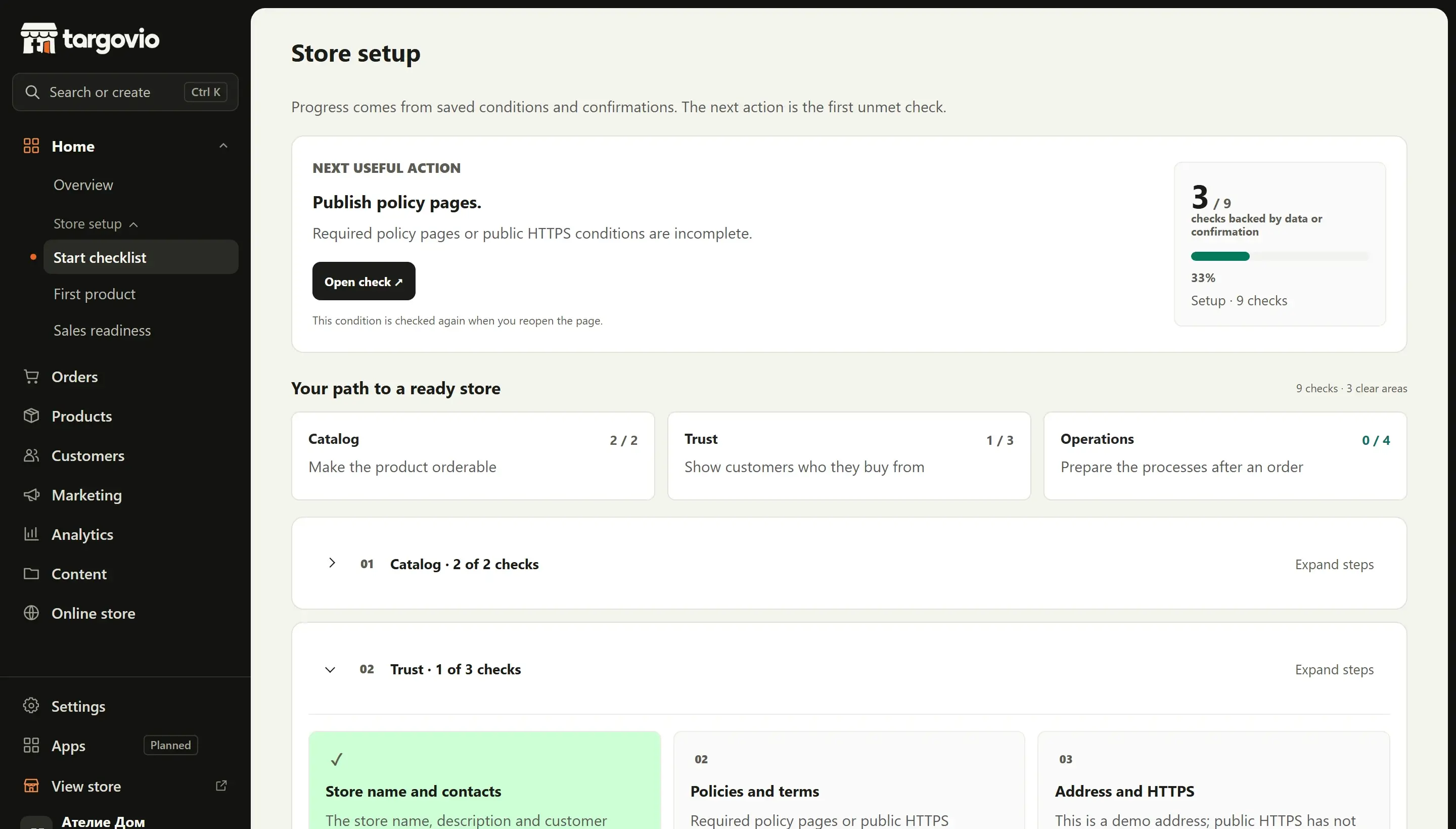
Screen from a demo store with sample data.
More resources
Want to be one of the first stores?
Tell us about your store. We will show you Targovio live and tell you honestly what is ready for you and what is not yet.