CloudCart
Export products as CSV or XML if your plan allows it. We will check together what the file contains.
Free for founding merchants
In early access we do the move together with you. Here is how it works, what moves today and what does not yet.
You tell us about the store: range, orders, couriers, payments. We tell you honestly whether Targovio is ready for you today.
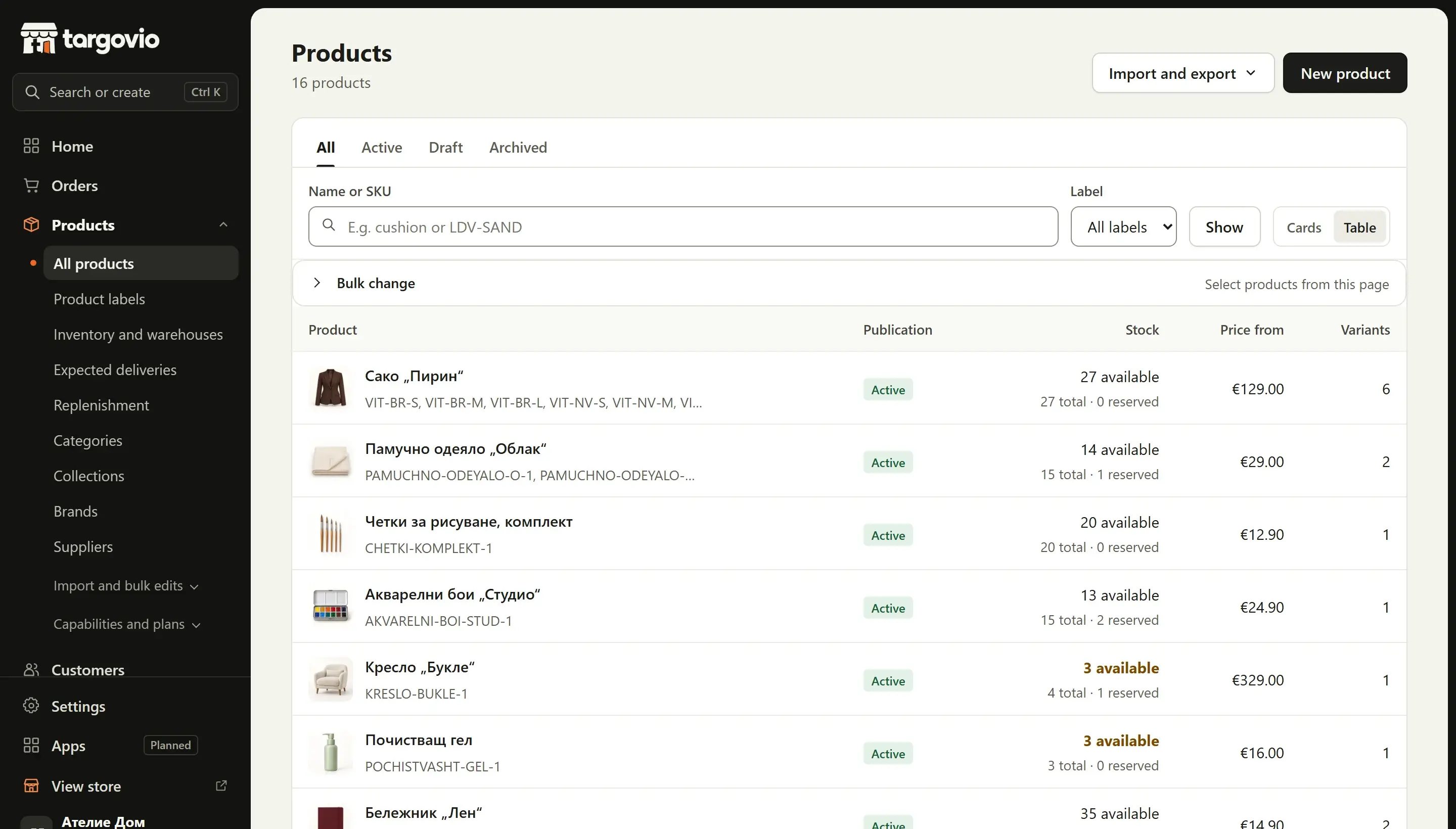
You download products from your current platform as CSV. We check columns, variants, prices and images before importing anything.
We import products, variants, prices and stock into Targovio. You see the result for every row, and new products arrive as drafts. Nothing becomes visible to customers before you publish it.
Old product and category URLs are redirected to the new ones with a 308, including from CSV — so you do not lose search positions.
We place an end-to-end test order and you switch stores at an agreed moment. Afterwards we watch that everything works.
Export products as CSV or XML if your plan allows it. We will check together what the file contains.
Shopify lets you export products to CSV from the admin. Variants map to Targovio options, and images need to be downloaded and uploaded — we will help.
WooCommerce has a built-in product CSV export. If you use extensions for variants or attributes, we will check their columns.
CloudCart, Shopify and WooCommerce are trademarks of their respective owners. Targovio is not affiliated with them.
The price is not set yet. You will get it in writing together with the early-access offer, after we have seen your data.
It depends on the catalogue and on how clean the data is. We do not promise a timeframe before we see your export. In early access you will get a concrete estimate.
Redirecting old URLs with a 308 exists exactly for this. No platform can guarantee search positions, but the URL map reduces the risk.
Not yet. Importing order history and customer accounts is planned. Today the catalogue moves.
Tell us about your store. We will show you Targovio live and tell you honestly what is ready for you and what is not yet.